
The Media Operating System
Plan the Work.
Keep the Team
in Sync.
Bring campaigns, productions, and evidence review into connected workflows. Keep source material, tasks, and approvals together, with AI helping prepare the work and people deciding what happens next.
16 Public DestinationsVisible SourcesHuman Approval
- Book it
- Build it
- Sell it
- Run it
- Capture it
- Share it
Find Your Starting Point
What Do You Need to Get Done?
Start with a task, or find your role and venue in the full directory. Each product page explains the workflow, what is available today, and where a managed service or pilot applies.
Produce and OperateBring schedules, people, production plans and the run of show together.Explore Live Event Production →
Coordinate Your TeamConnect roles, onboarding, calls, schedules and operational records.Explore Workforce Operations →
Organize EvidenceReview source material and prepare findings with human approval. Controlled pilot.Explore Evidence Orchestrator →
The Full Product Library
Explore Every Part of the Platform.
The job comes first. Each destination shows its purpose, its present maturity, and the decisions that stay with a person. Compare the rooms, or ask Buddy to match one to the task on your desk.
01
Create and Publish
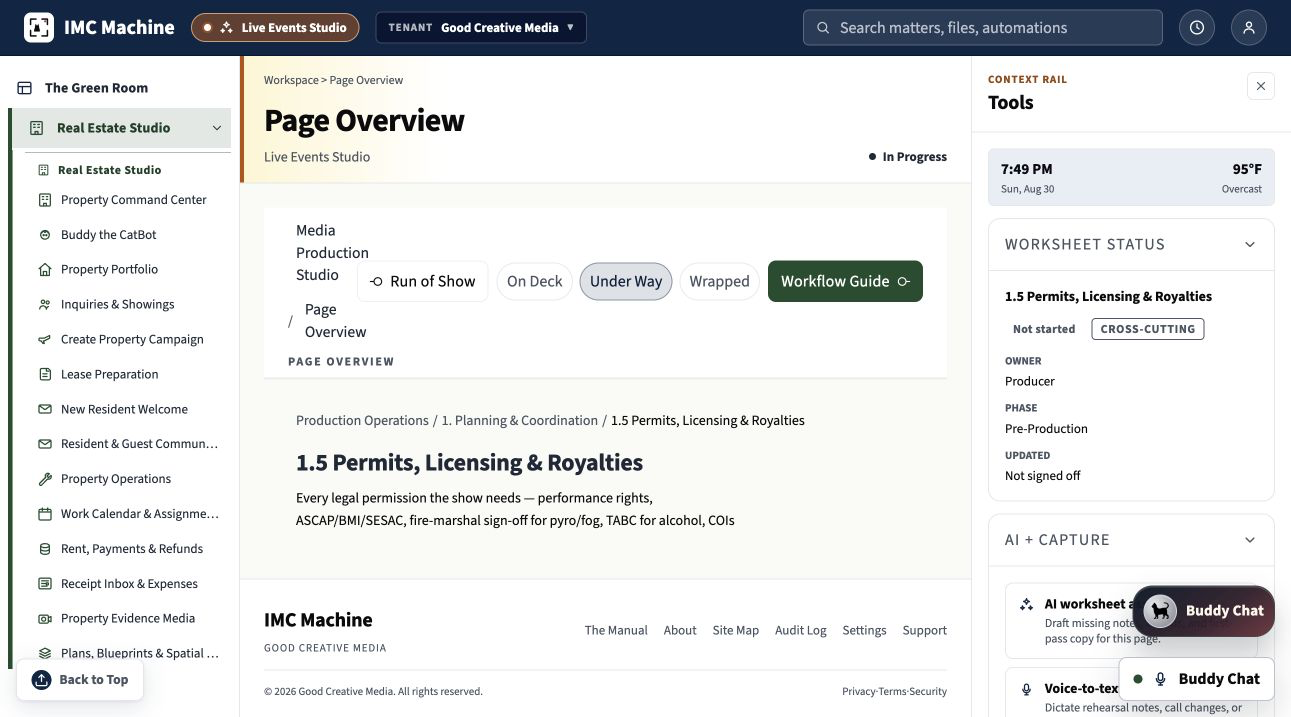
Creative Campaign Studio
Turn one verified record into research, press, social, email, design, audio, video, web, approvals, and campaign proof.

02
Create and Publish
Capture and AI Director
Coordinate supported cameras, microphones, cues, captions, framing assistance, and the captured program record.

03
Create and Publish
Podcast and Broadcast Studio
Record the conversation and prepare approved episodes, transcripts, clips, notes, sponsorship assets, and campaigns.
04
Create and Publish
Rights, Licensing and Distribution
Keep agreements, permissions, credits, masters, derivatives, approvals, deliveries, and release proof connected.
05
Produce and Operate
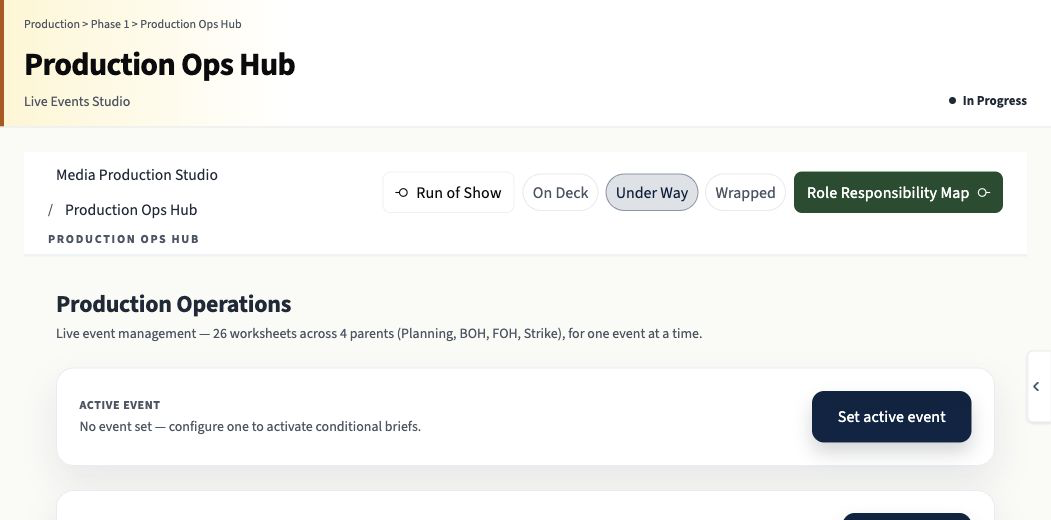
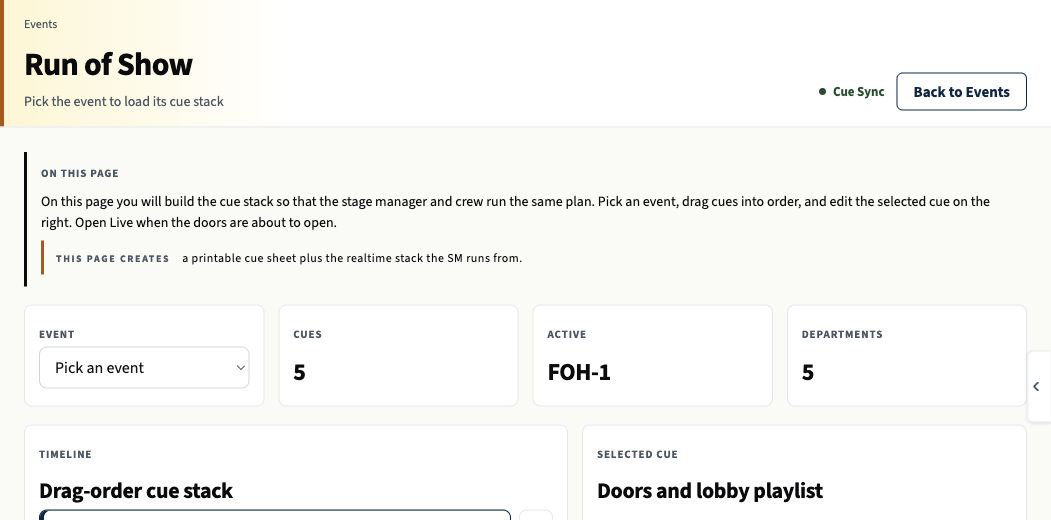
Live Event Production Hub
Coordinate the venue, calendar, departments, crew, run of show, safety, capture, settlement, and archive.
06
Produce and Operate
Theater and Performance Operations
Manage rehearsal, cast, crew, stage plots, cues, performance, accessibility, notes, and the production archive.

07
Produce and Operate
Booking, Touring and Festival
Research the route, pitch the right room, track outreach, advance dates, coordinate stages, settle, and retain relationships.
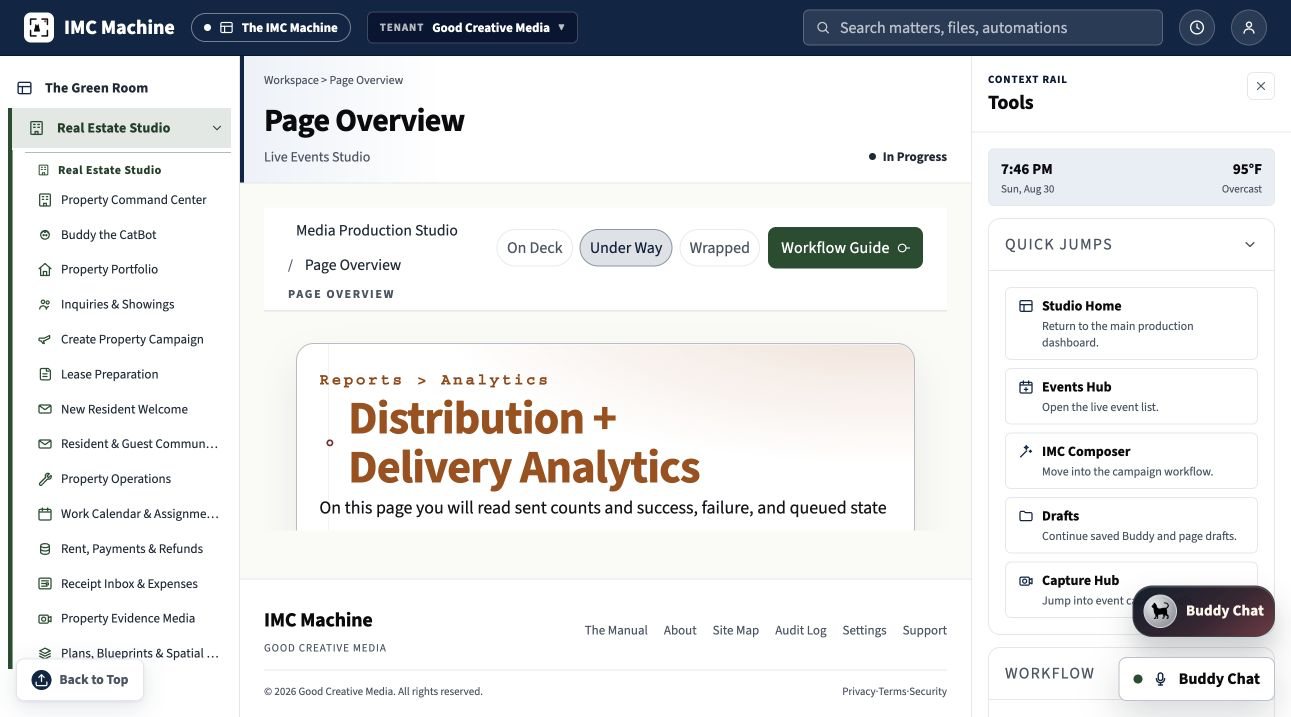
08
Produce and Operate
Audience, Ticketing and Settlement
Connect inventory, holds, comps, will call, groups, sponsors, house counts, sales evidence, and settlement.

09
Run the Organization
Workforce and Organization Operations
Prepare roles, job copy, onboarding, schedules, time records, payroll handoffs, training, and crew portals.
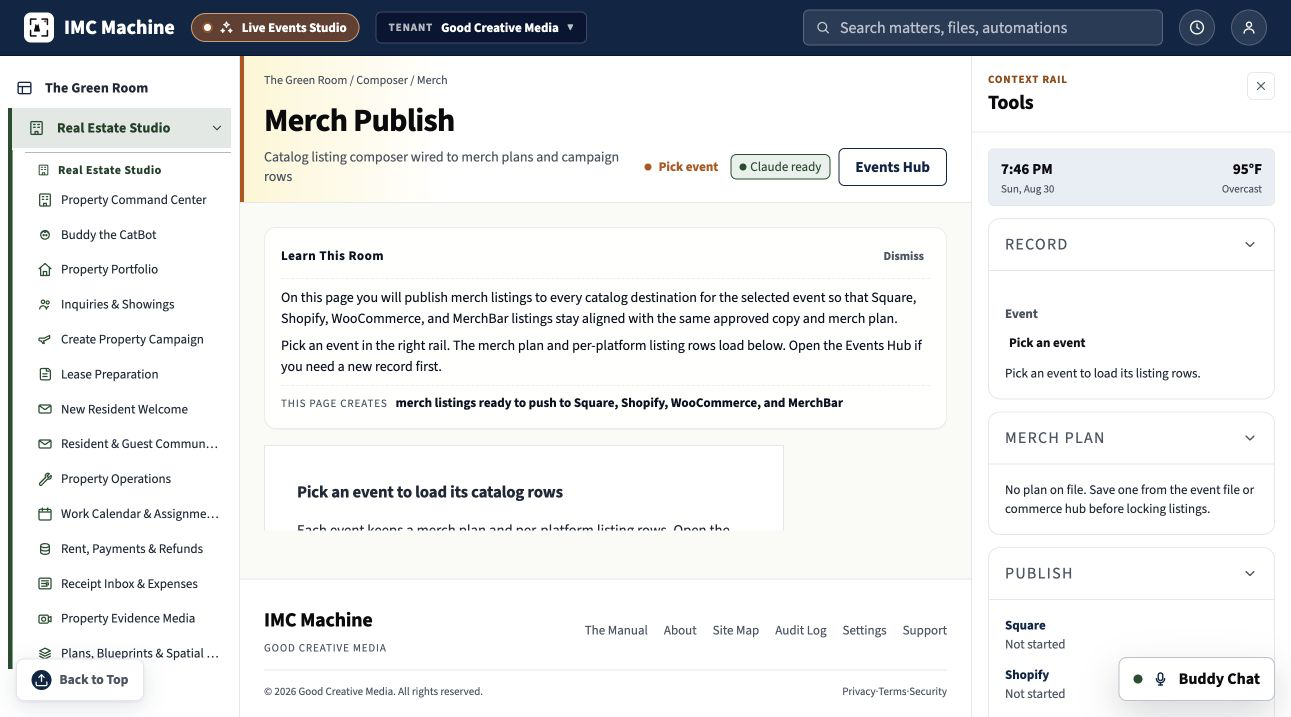
10
Run the Organization
Merch, Print and Commerce
Carry approved artwork, rights, specifications, vendors, inventory, event sales, fulfillment, settlement, and proof together.
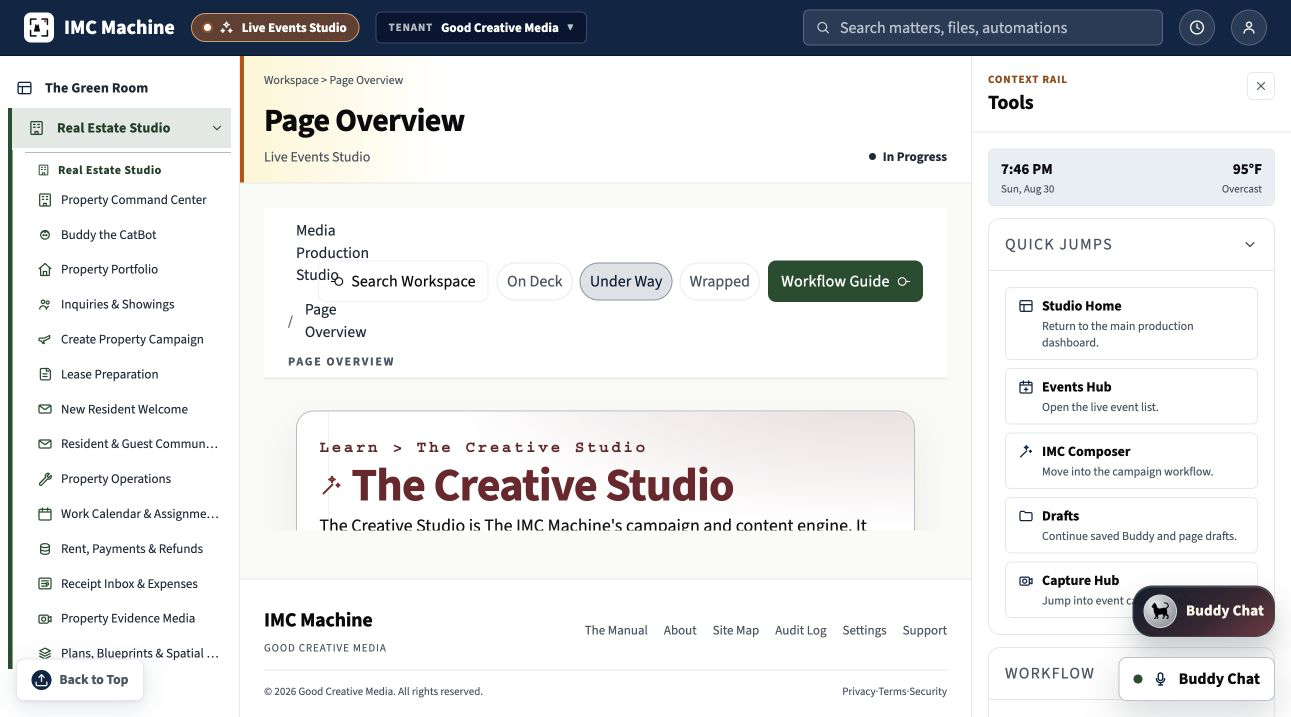
11
Run the Organization
Education and Institutional Knowledge
Turn approved events, lectures, interviews, demonstrations, and operations into accessible courses, training, and memory.

12
Run the Organization
Business, Website and WordPress Operations
Connect identity, content, services, products, forms, portals, campaigns, commerce, policies, analytics, and maintenance.

13
Domain Suites
Real Estate Studio
Treat the property as the record and the showing as the event, from verified facts and media through leads and archive.

14
Domain Suites
Evidence Orchestrator
Make video, audio, photographs, documents, transcripts, chronology, worksheets, and accepted findings reviewable together.

15
Domain Suites
Issue Spotter
Connect attorney-accepted findings to source-linked questions, possible pathways, reviewed drafts, and controlled decisions.
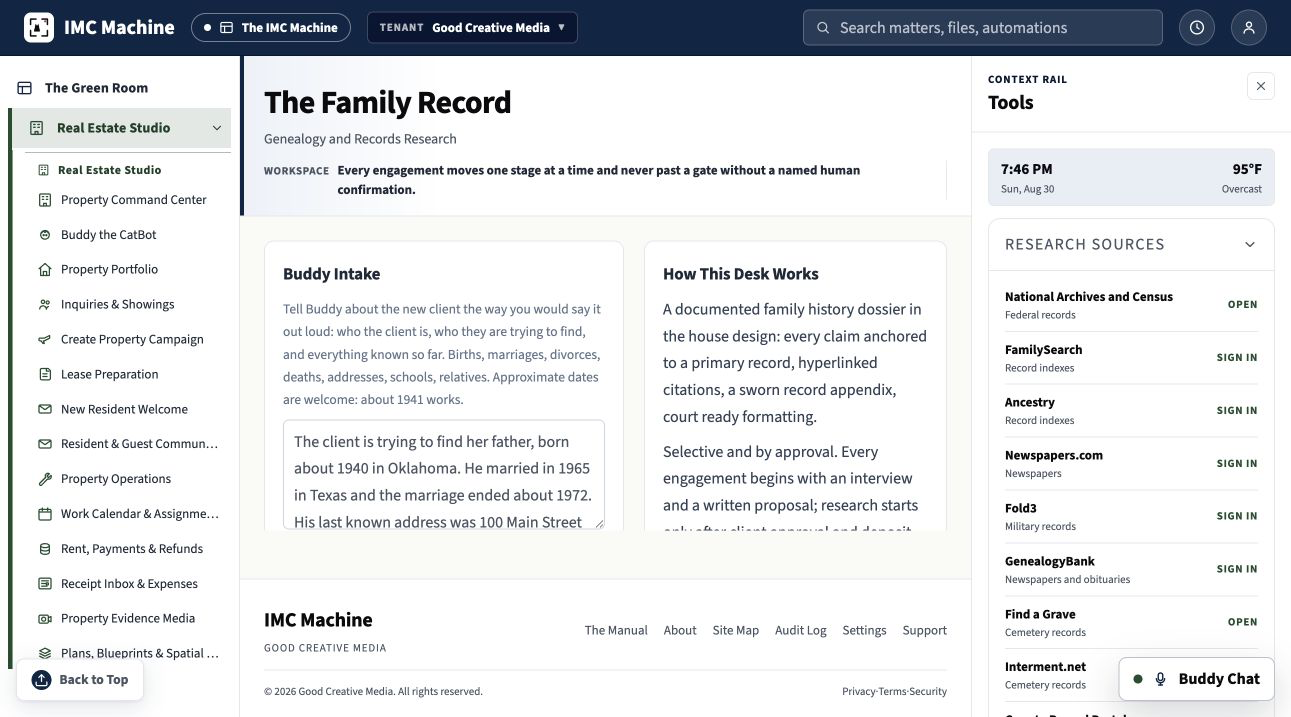
16
Domain Suites
The Family Record
Keep interviews, photographs, letters, records, recordings, relationships, citations, permissions, and uncertainty beside the story.
All product systems are shown. JavaScript only powers the optional filters.
One Connected Movement
The Work Moves. The Source Stays Put.
Booking, production, marketing, capture, settlement, and release all return to the same verified record. The facts travel once, with their sources and approvals intact.
-
01
Book It.
Establish the opportunity, people, place, date, source record, and first commitment.
-
02
Build It.
Prepare the creative, operational, technical, legal, educational, or property work.
-
03
Sell It.
Reach the audience, buyer, sponsor, client, tenant, participant, or institution.
-
04
Run It.
Operate the program, production, matter, showing, class, interview, or process.
-
05
Capture It.
Preserve media, documents, transactions, observations, cues, and evidence.
-
06
Share It.
Release the approved media, report, filing, course, campaign, archive, or handoff.

Your Sitewide Concierge
Ask Buddy Before You Open Another Tab.
Buddy explains the 16 public destinations in plain language, compares prices, books a walkthrough, and routes existing clients to technical support. Public questions belong here. Private client material belongs in the secure workflow.
- Name the right destination for the job.
- Explain public prices and written scopes.
- Route sales, onboarding, appointments, and technical help.
Three Honest Ways to Begin
Start as Small as the Decision Requires.
Buy a defined service, bring one decision to a working session, or commission a written platform scope. Public work gets a public price. Custom work gets terms you can read before you commit.
Browse the Catalog
Compare more than 250 defined platform and studio offers with published starting prices.
250+ Offers, Prices ShownSearch the Catalog
Bring One Decision
Use a focused working session to define the outcome, constraints, and next responsible move.
$700, One SessionOpen the Consultation
Commission the Platform
Subscriptions begin with a defined tier, a separate onboarding scope, and named approval duties.
Practice Subscriptions from $500 a Month, Plus SetupView Current Practice Offers
Authority Has a Name
The Machine Prepares. A Person Decides.
The IMC Machine organizes, compares, drafts, and prepares. The named professional judges, corrects, authors, and approves. Sources remain visible from the first record to the final release.
Bring One Piece of Work Worth Doing Well.
Buddy can name the right starting room. A live walkthrough can turn that first conversation into a written scope.
