
For Residential Owners and Professionals
One Address. Every Decision in Its Place.
Your property facts, campaign assets, resident work, expenses, files, and approvals stay attached to one address. Update an approved fact once, then let every permitted use begin from that same record.
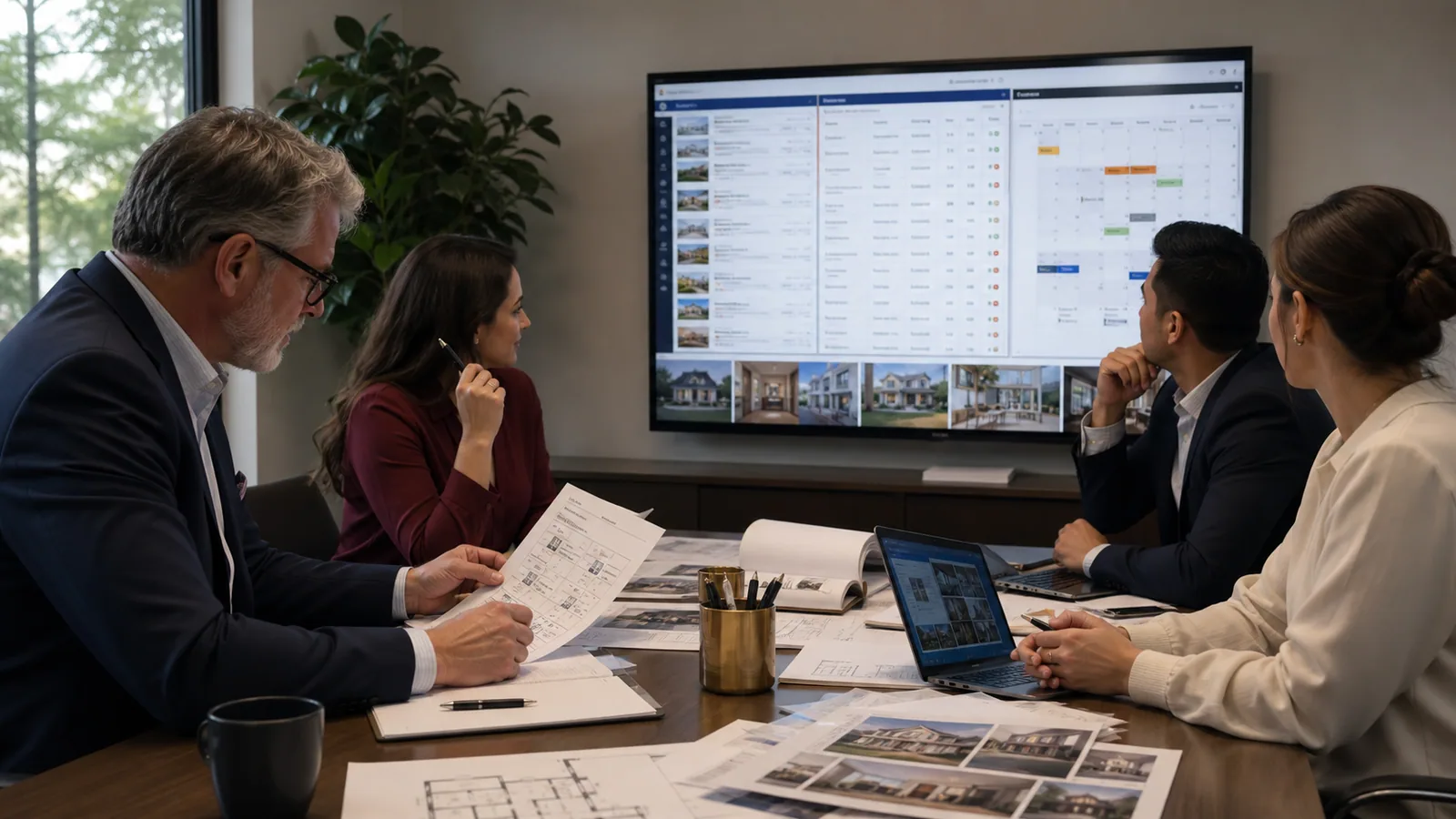

The Working Sequence
Six Moves From Source to Proof
Choose the property, name the current job, review the proposed work, and keep the completed result with the address.
Confirm the Property
Add owner-supplied information, an approved import, or research from a relevant official source where available. A person confirms authority and corrects the facts.
Property PortfolioChoose the Job
Name the work on the calendar: a sale, rental, showing, permitted short stay, resident task, maintenance item, receipt, or another authorized action.
Property ActionsLet Buddy Organize It
Tell Buddy the goal. It opens the related playbook, asks one question at a time, and can prepare fields from speech, typed answers, documents, photographs, and relevant official sources.
Buddy and Scan to FillReview Before It Moves
The authorized user checks facts, rights, recipients, account coding, Fair Housing requirements, and legal boundaries before approving the next step.
Human ReviewUse the Authorized Account
An approved connector may carry the work where one exists. Otherwise, the system prepares a guided handoff. Provider credentials remain with the provider.
Connected ServicesKeep the Proof
Save the approved copy, public URL, receipt, accounting reference, responsible person, date, and completion status with the property.
Documented RecordAcross the Property Lifecycle
The Same Record Works Before, During, and After the Listing
An independent owner with one rental and a brokerage with recurring inventory need different capacity. Both benefit when facts, responsibilities, and proof remain attached to the address.
Market the Property
Prepare review-ready work from approved facts.
- Sale, rental, open house, and permitted short-stay campaigns
- Property page, email, social copy, photographs, tours, and film
- Inquiries, showing dates, and public-link proof
Operate the Property
Keep people, dates, work, and communication connected.
- Lease-business-term preparation and tenancy dates
- Resident welcome and community information
- Maintenance, vendors, projects, tasks, and calendars
- An authorized electricity and water-service readiness record
Account for the Work
Prepare money and evidence for review without placing provider secrets in the property record.
- Rent, deposits, refunds, time, and project costs
- Receipt photograph review and itemized expense preparation
- Spreadsheet backup and an approval-gated accounting handoff
Human Authority
Technology Prepares. People Approve.
Every preparation remains visible where the decision is made. The responsible person can accept, correct, return, or decline it.
Property Facts
Source findings remain suggestions until an authorized person confirms them.
Housing Decisions
Authorized people, not AI, make housing decisions from written criteria. Campaigns avoid protected-class profiling and welcome the widest lawful audience.
Legal Work
Lease and dispute tools organize user-provided facts and preparation materials for human review. Legal advice remains with qualified Texas counsel chosen by the client.
Money
Receipt reading creates a draft. An owner or authorized reviewer confirms the amount and account category before anything posts.
The Weekly Review
A Twenty-Minute Review Finds the Next Responsible Action
Review availability, inquiries, lease dates, resident messages, payments, receipts, maintenance, project deadlines, provider status, and anything waiting for approval.
Choose the Portfolio
See every property, then narrow the dashboard to the address that needs attention.
Open the Next Task
Move from the command center to the showing, lease preparation, receipt, repair, or campaign now due.
Resolve the Review Queue
Approve, correct, assign, schedule, or return a draft without losing its source record.
Close With Proof
Confirm the saved file, public destination, accounting reference, calendar response, or completion evidence.
Inside the Studio
The Screens Where the Work Happens
These are live views of the working application. The left column keeps every residential tool one click away, the center holds the record you are working on, and the right rail carries the tools, the time, and the weather for the day’s work.
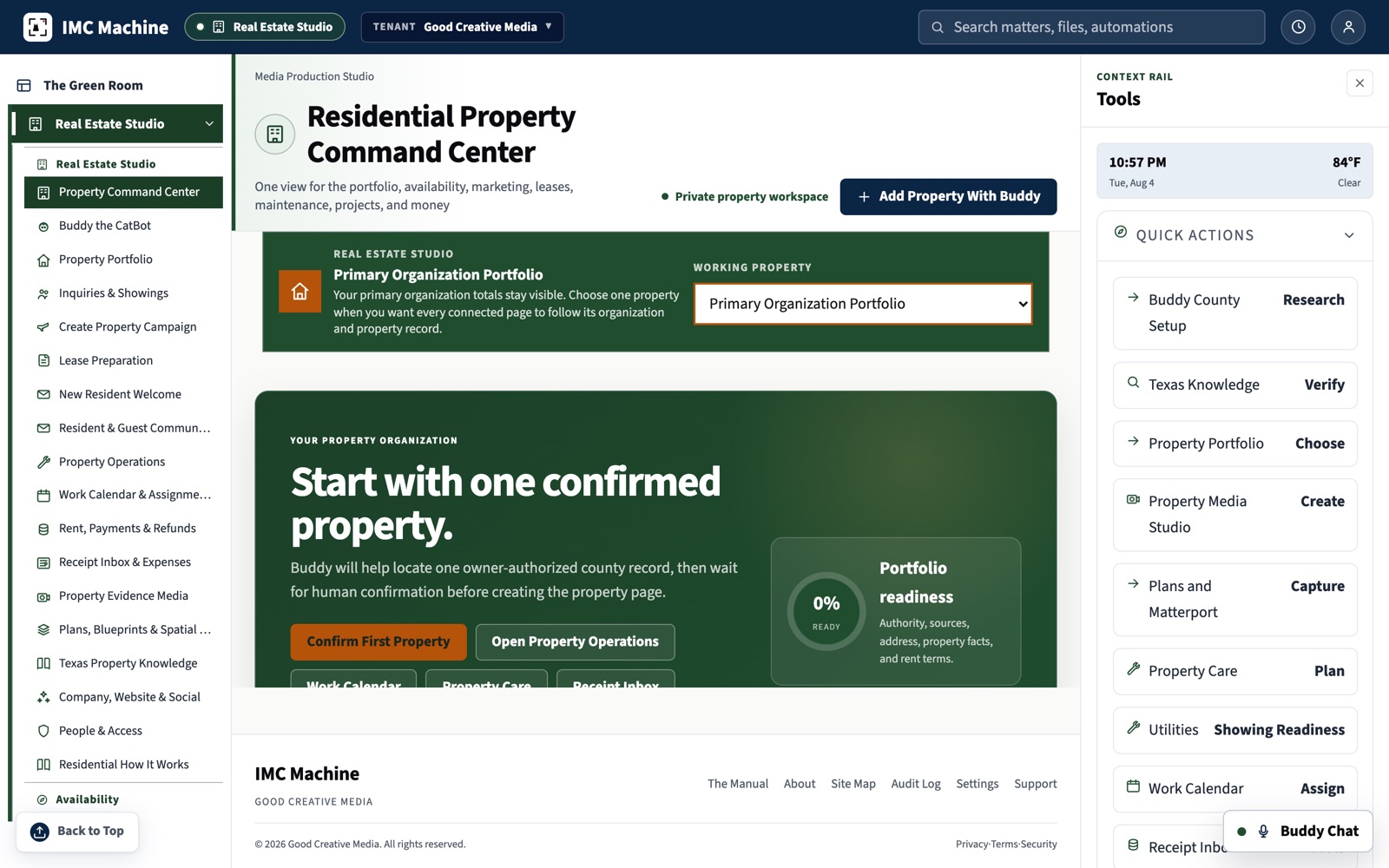

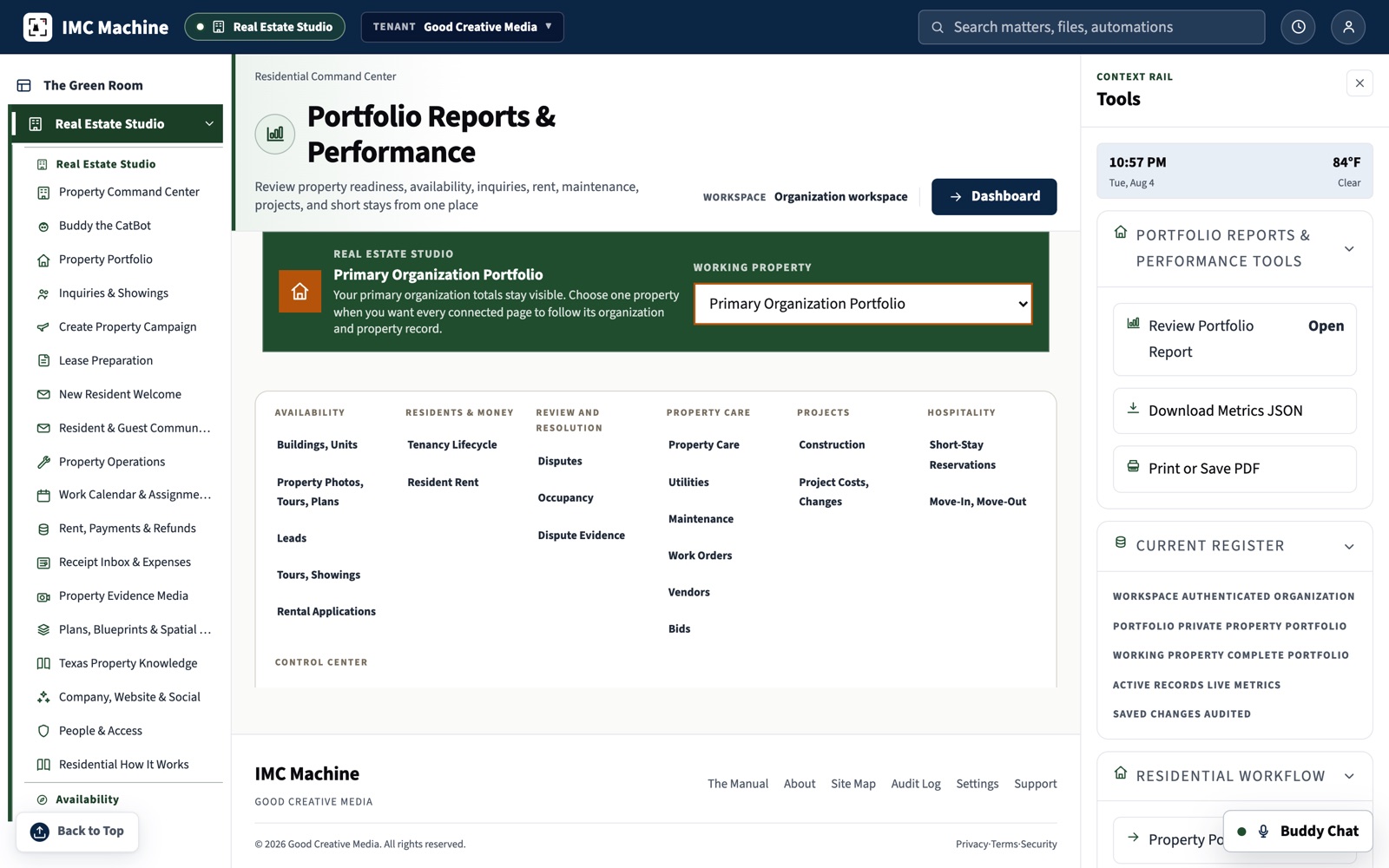
Use the Working System
Open the Residential Command Center
Begin with one authorized property and complete one task from source to reviewed proof.
Choose Professional Services
Build the Campaign Around a Real Property
Review every price, choose the work, see the booking deposit, and request the schedule.
Serving San Antonio and New Braunfels, Bexar and Comal Counties.
