
Build a Property Campaign Worth Reviewing
Learn how one approved property record becomes a sale, rental, showing, or permitted short-stay campaign without losing the facts, public identity, Fair Housing boundaries, or person responsible for approval.
Open the Property Portfolio
Five Decisions Before Anything Becomes Public
The course is complete when you can identify who is responsible, verify one property, prepare one campaign, welcome the widest lawful audience, and keep legal review where it belongs.
From Property Record to Reviewed Campaign
Each module produces one useful part of the operating record. Bring a real authorized property if you have one.
Name the Responsible Operator
Identify the role the user actually performs and record who controls property authority, advertising identity, brokerage review, or booking-channel decisions.
Practice: Choose the exact user title and name the approval owner.
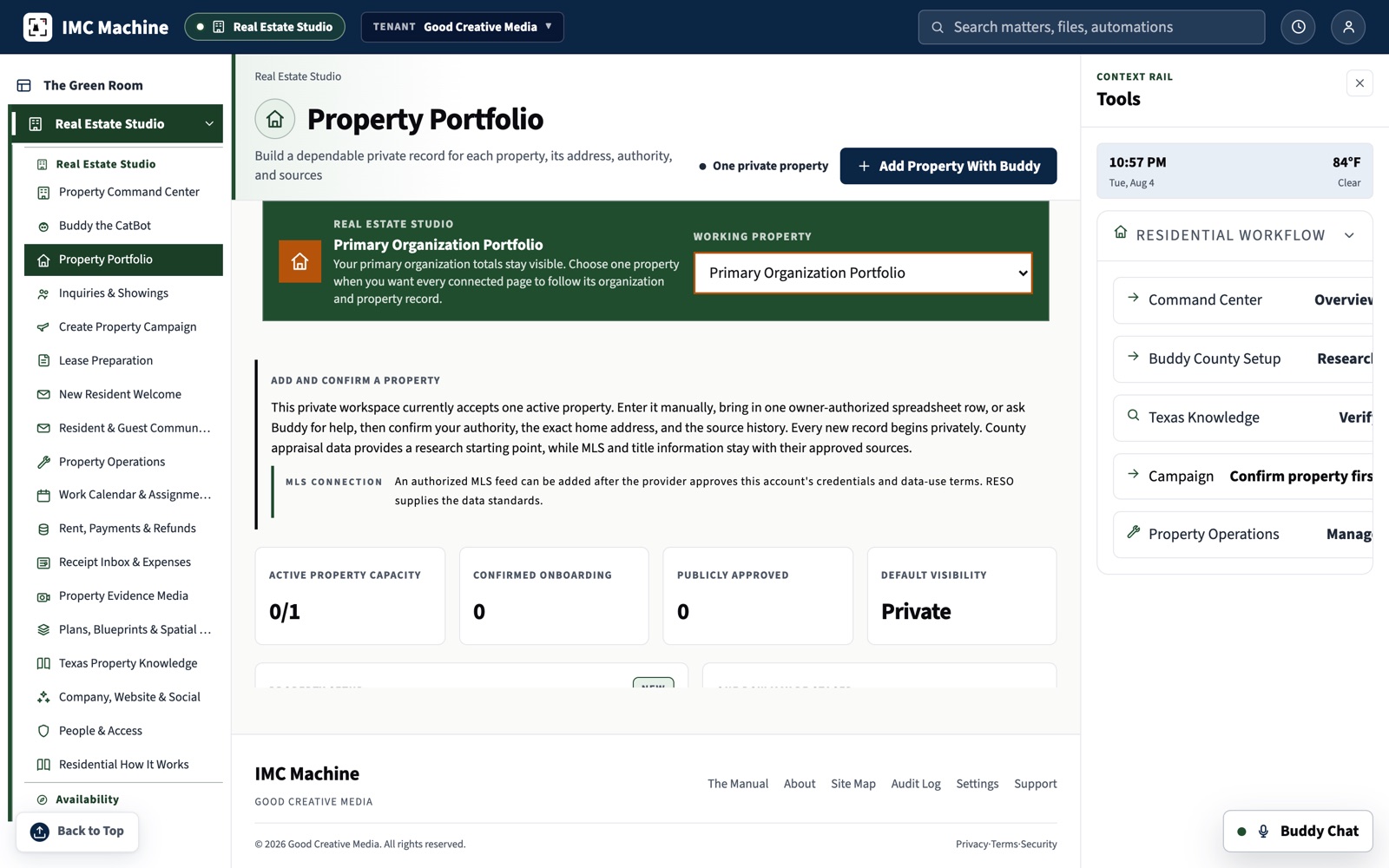
Build the Property Portfolio
Add a property manually or import an owner-authorized file. Learn why a data standard does not grant access to an MLS, brokerage feed, or property record.
Practice: Import one sample property, verify it, then prepare the remaining records.
Prepare the Property Press Sheet
Choose one saved address and one real purpose: sale, long-term rental, permitted short stay, or noncommercial hospitality. Prepare the selected property-page, portal, social, email, film, and local-discovery drafts.
Practice: Prepare one current availability campaign for review.
Write the Welcome for the Widest Lawful Audience
Build the story from price, location, verified features, showing dates, and the experience of the property. Housing advertising on Meta uses the required Special Ad Category for housing. Booking platforms keep their own account, payment, and policy boundaries.
Practice: Review the campaign language and remove every assumption about who belongs in the property.
Prepare Lease Business Terms for Review
Reuse the property record, enter verified business terms, identify the authorized form and version, record the reviewer, and export a preparation packet for authorized human review. The workflow does not select legal clauses, provide legal advice, or execute documents.
Practice: Prepare one review-ready business-terms packet using an authorized form.
Know What the System Prepares and What People Decide
- MLS and RESO data require authorization from the local MLS, brokerage, or other lawful source.
- Housing campaigns use the advertising controls required by the selected platform and never use protected-class profiling.
- Airbnb-originated booking and payment remain on Airbnb unless the account holder has an approved alternative arrangement.
- Couchsurfing remains a personal, noncommercial hospitality lane.
- Lease preparation begins with a form the user is authorized to use. When legal advice is needed, pause and consult qualified Texas counsel.
- A named person approves publication and verifies every public destination.
Practice on the Screens You Will Actually Use
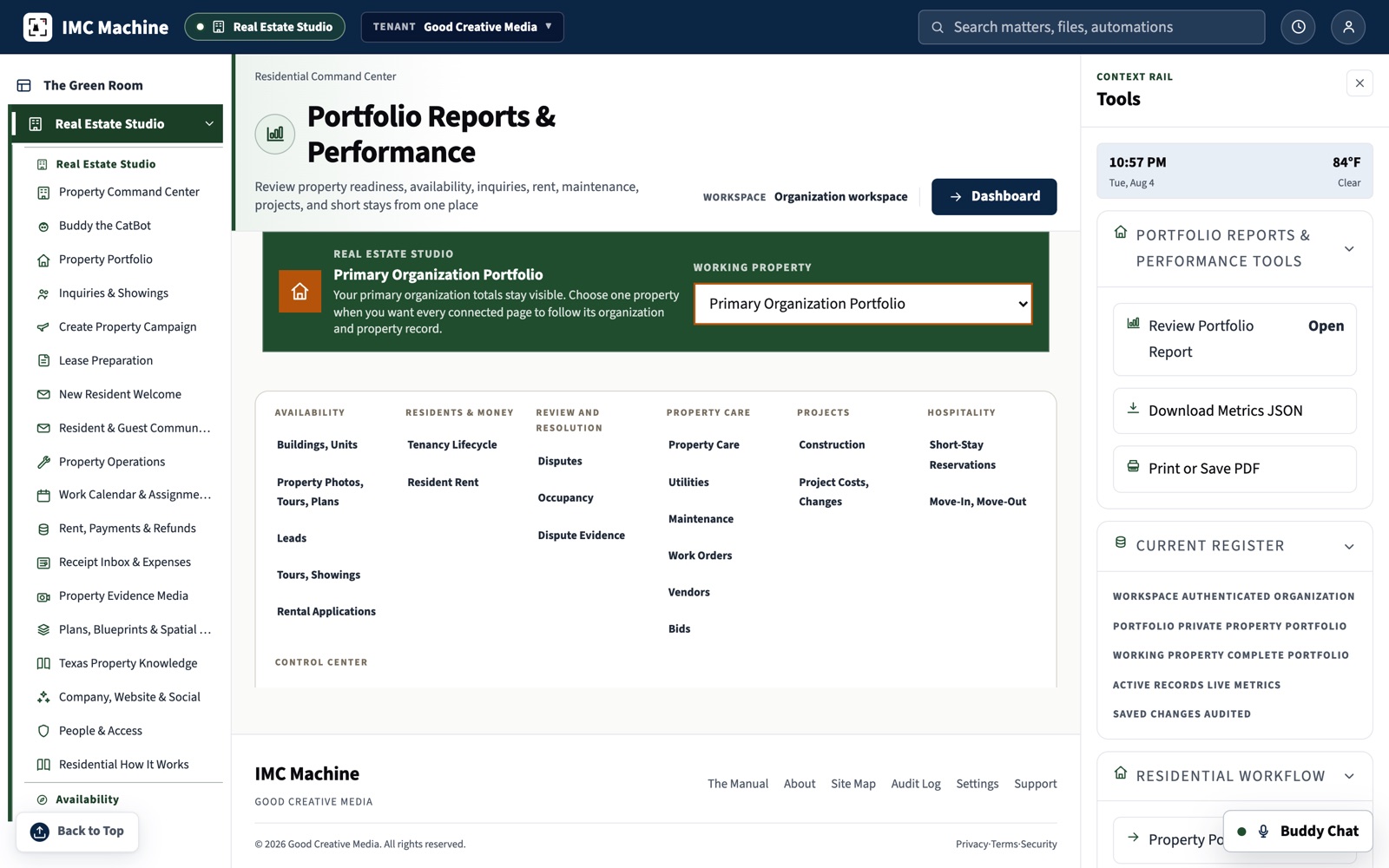
The course teaches decisions, and the application is where those decisions live. These views show the record keeping and review surfaces behind each module.
Learn the Method. Then Choose the Professional Work.
The course explains the record, review, and campaign decisions. The residential order page lets you choose production and see the complete price and booking deposit before checkout.
Serving San Antonio and New Braunfels, Bexar and Comal Counties.
Build my residential order