
The Feature Library
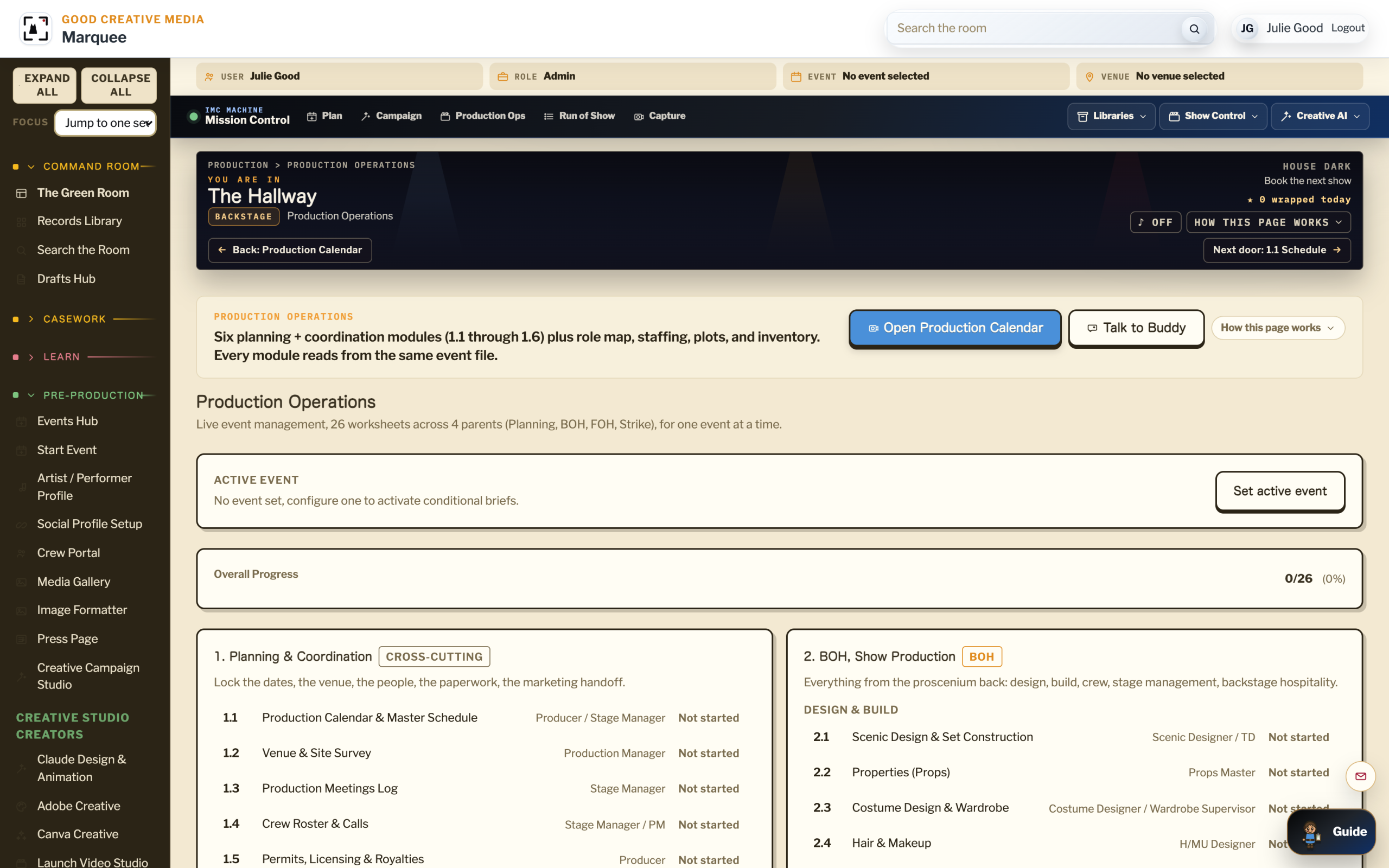
You want to know what the platform actually does, feature by feature. This is the working list across five products: The Creative Campaign Studio, Live Events Ops, The Evidence Orchestrator, The Issue Spotter, and The Family Record. Each feature belongs to a product, lives inside the six-layer architecture, and answers a specific question the working office needs answered.
01 A Day In The Room
Friday, 2:00 PM. An Office Manager Checking What The Platform Can Do.
You are evaluating the platform for the firm. The senior partner asked for a specific list of features that would replace three tools the office currently runs. You open the feature library. Each feature lives under a product, holds a one-line description, and links to the working surface inside the platform. By 4 PM you have a memo for the partner with eleven features that map to the three tools you want to retire.
02 What The Platform Does For Your Office
The Capabilities, Plainly Told.
Creative Campaign Studio Features
Press, Social, Podcast, Radio.
AI-assisted drafting, press page builder, social manager, radio and podcast promotion, image formatter, campaign tracker, media gallery. The campaign engine.
Production Hub Features
Events, Worksheets, Run Of Show.
Event records, venue and artist profiles, six pre-production worksheets, run of show, crew portal, safety and risk, day-of-show ops. The operational backbone.
Evidence Orchestrator Features
AI On MP4 + Matter Folders.
Body cam and dash cam transcription, silent file captioning, book-formatted worksheets, three-AI consensus on court docs, Drive-backed source of truth.
Issue Spotter Features
Motion Practice And Case Strategy.
Dismissal theory mapping, structured motion library with canonical caption, Article 39.14 (the Texas rule requiring the State to hand over its evidence to the defense) tools, Gideon thread, three-AI consensus, case tracking board.
Family Record Features
Intake, Sources, Human Gates, Dossier.
Guided intake, life event facts, source tracking, identity confirmation, deliverable controls, designed reports, and an organized archive for continued research.
Buddy The Voice Layer
Across Every Product.
Buddy answers in plain language across every product. Industry-aware, matter-aware, campaign-aware. The conversational interface to the whole platform.
Integrations
Drive, MyCase, DocuPost, Resend.
Connects to the stack you already use. Google Drive, MyCase, DocuPost, Resend, the social platforms, and the calendar systems.
03 Genealogy And Records Research
The Research Workstation And Source Network
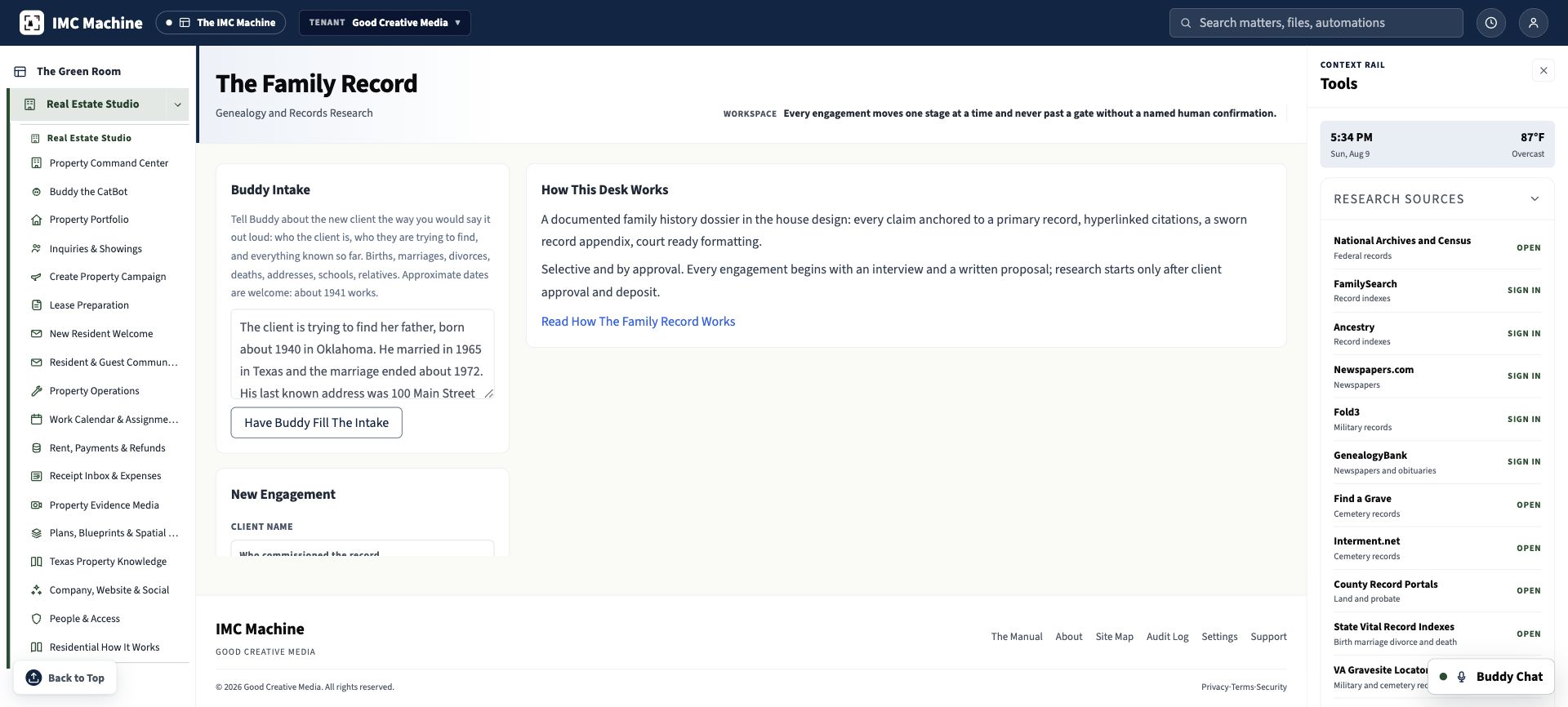
The Family Record is an engagement workspace for official public repositories, licensed research platforms, document archives, AI-assisted search preparation, and a searchable project record. It is not a single universal database and it is not a people search aggregator. It coordinates the available systems and preserves what was searched, what was found, what was not found, and which source supports each conclusion.

Government Record Systems
Federal State County And City Sources.
National Archives and Census collections support federal research. State vital-record indexes cover births, marriages, divorces, and deaths. County portals support land, deed, probate, tax, and court research. City directories, municipal archives, and local library collections extend the place record where those materials are available.
Licensed And Specialized Collections
Indexes Newspapers Military Cemetery And School Records.
FamilySearch and Ancestry provide record indexes and linked collections. Newspapers.com and GenealogyBank support newspaper and obituary research. Fold3 and the VA Gravesite Locator support military work. Find a Grave, Interment.net, and yearbook archives support cemetery, school, and photograph research.
The IMC Research Database
One Searchable Record For The Engagement.
The platform links intake, candidates, anchor documents, life events, facts, citations, source images, negative searches, correspondence, dossier builders, approvals, and exports. Global search and research controls keep the record findable by subject, relationship, date, place, record type, source, citation status, and workflow stage.
AI Assistance With Human Gates
Structure Compare Flag And Draft.
Buddy converts a spoken or written brief into structured life events and preserves approximate dates. AI-assisted search preparation assembles candidate and anchor records, organizes source coverage, compares facts, flags conflicts and missing citations, and prepares the chronology. A researcher must confirm the right person against at least two independent primary documents, and an authorized operator approves delivery.
Open repositories open directly. Licensed services require authorized sign-in. Restricted or certified records can require a separate order, fee, identity check, or permission. Search scope always depends on the jurisdiction, digitization, lawful access, and the records that have survived. People search aggregators are never used.
04 Talk To Buddy About Your Work
Buddy Reads Your Industry.Ask In Plain Language.
BuddyChat is live on this public site. Click the blue button in the bottom-right corner and talk directly with Buddy. No account is required. Buddy uses OpenAI’s voice technology, understands The IMC Machine public site and app, and can answer sales, customer-service, pricing, feature, arts, culture, live-event, and evidence-operations questions in plain language.
- “Buddy, list the features that would replace [tool name] for our office.”
- “Buddy, which features are in The Creative Campaign Studio but not in the Production Hub?”
- “Buddy, what features specifically support court-bound work?”
- “Buddy, build a feature-comparison memo for the senior partner.”
Ready For The First Conversation?
BuddyChat is already live on this public site. Use the blue bottom-right button to ask Buddy about fit, pricing, features, and setup before you create a platform account. Book A Walkthrough when you want a guided run on a real project.
